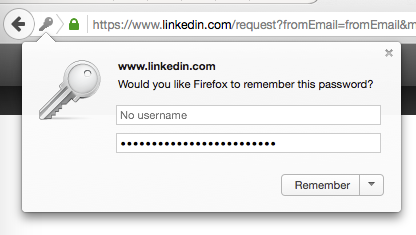
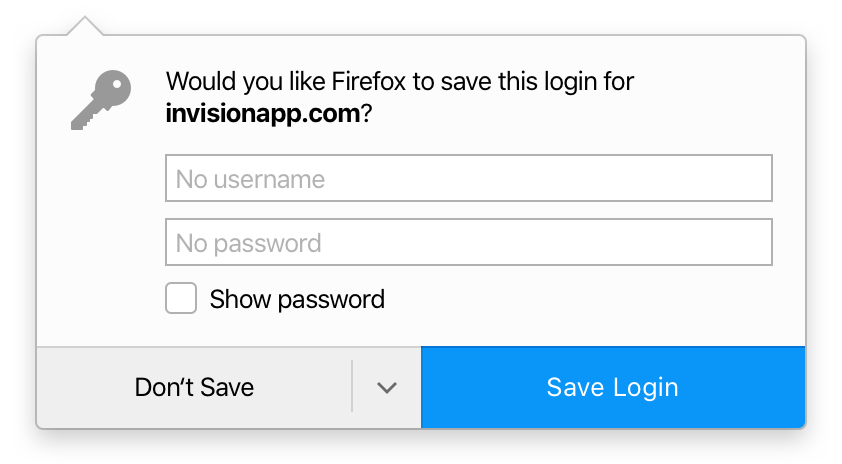
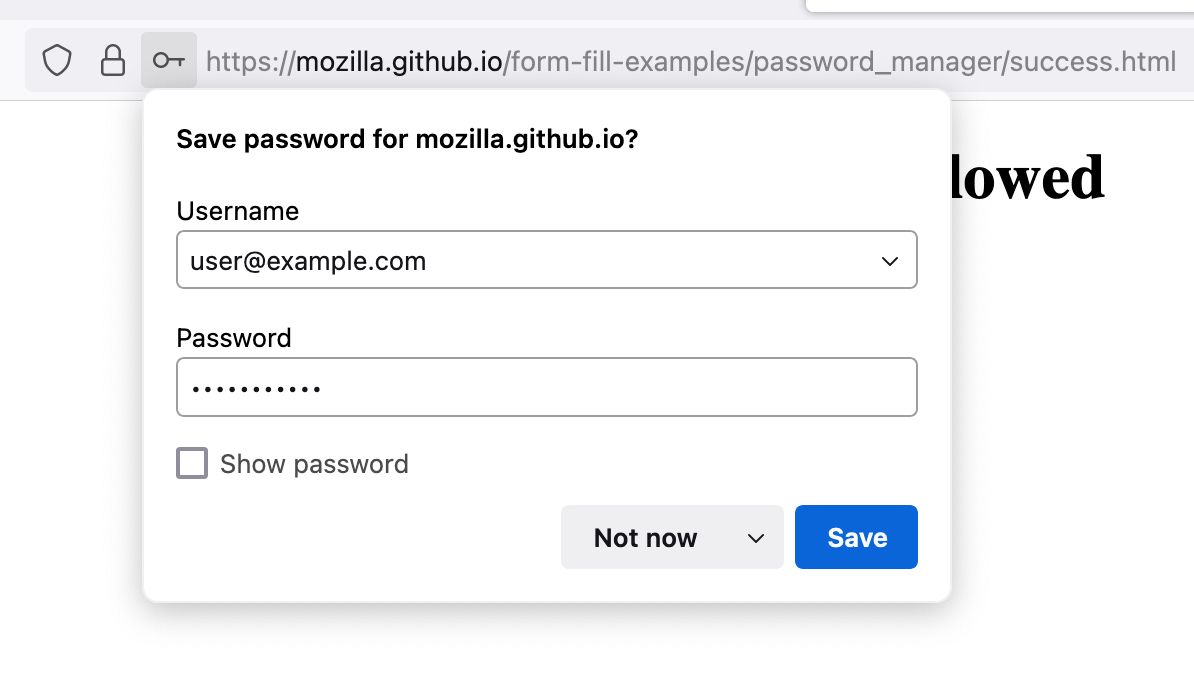
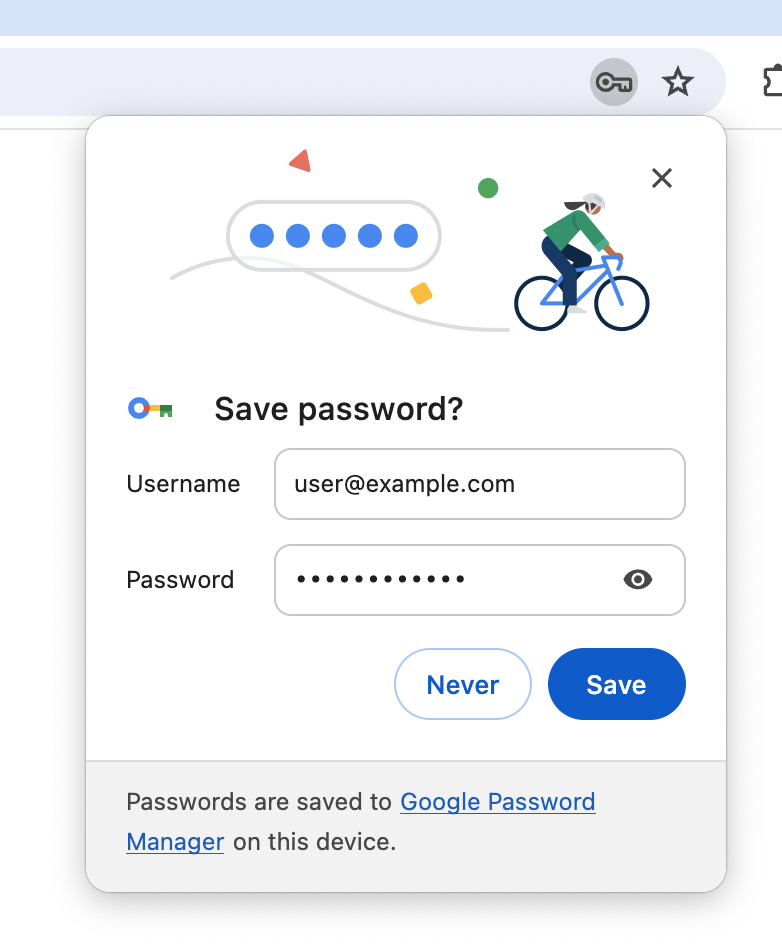
Websites don’t cooperate with browsers that try to capture the username and password, and oftentimes the wrong password gets saved, for example on change password forms, or the username is missing, on multi-step login forms. I observed users struggling with messy credentials and redesigned the doorhanger to let users review and even modify saved passwords. This was especially useful when users were changing passwords, or just updating them in Firefox where the button would change to Update.
Firefox Password Doorhanger
Surgical intervention to improve passwords for everyone.
Like many password managers in 2015, Firefox behaved as if it was infallible, always assuming that it was saving the correct usernames and passwords. In reality, websites do not cooperate with browsers, and users need to review and often correct the credentials that are being saved. I redesigned the doorhanger interface to foster good password hygiene and increase trust in Firefox.
Before
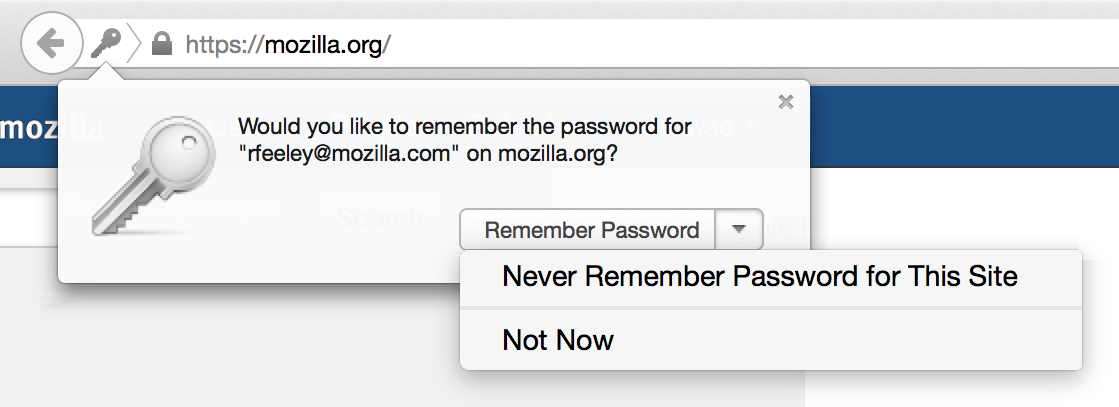
The problem and how it was solved
After
Research Findings
Users were saving passwords, but not trusting Firefox as the true source for their saved passwords.
Impact

Engagement with the feature was increased, which paved the way for major expansion in Firefox’s password management. This pattern was eventually copied by other browsers like Chrome and Edge.